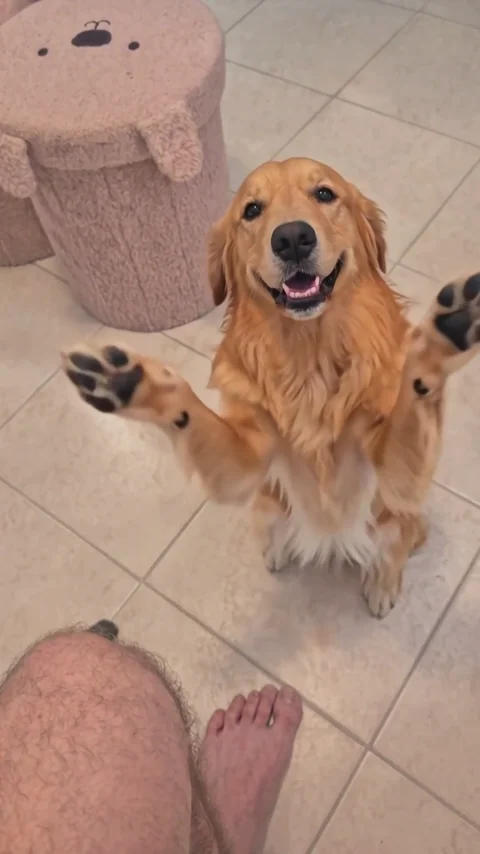
Golden retriever gesture close-up
The dog brings its paws together and extends one forward.
Give your dog an imagined round of applause. Clapping Dog adapts the person-and-pet comedy idea to a canine reference, building a short scene around a snack, a secret, an oversized reaction, and an offered paw. Choose a recognizable dog and a clear person photo, then request your own interpretation. The supplied Clapping Dog examples include a golden retriever clip alongside cat versions of the broader trend.
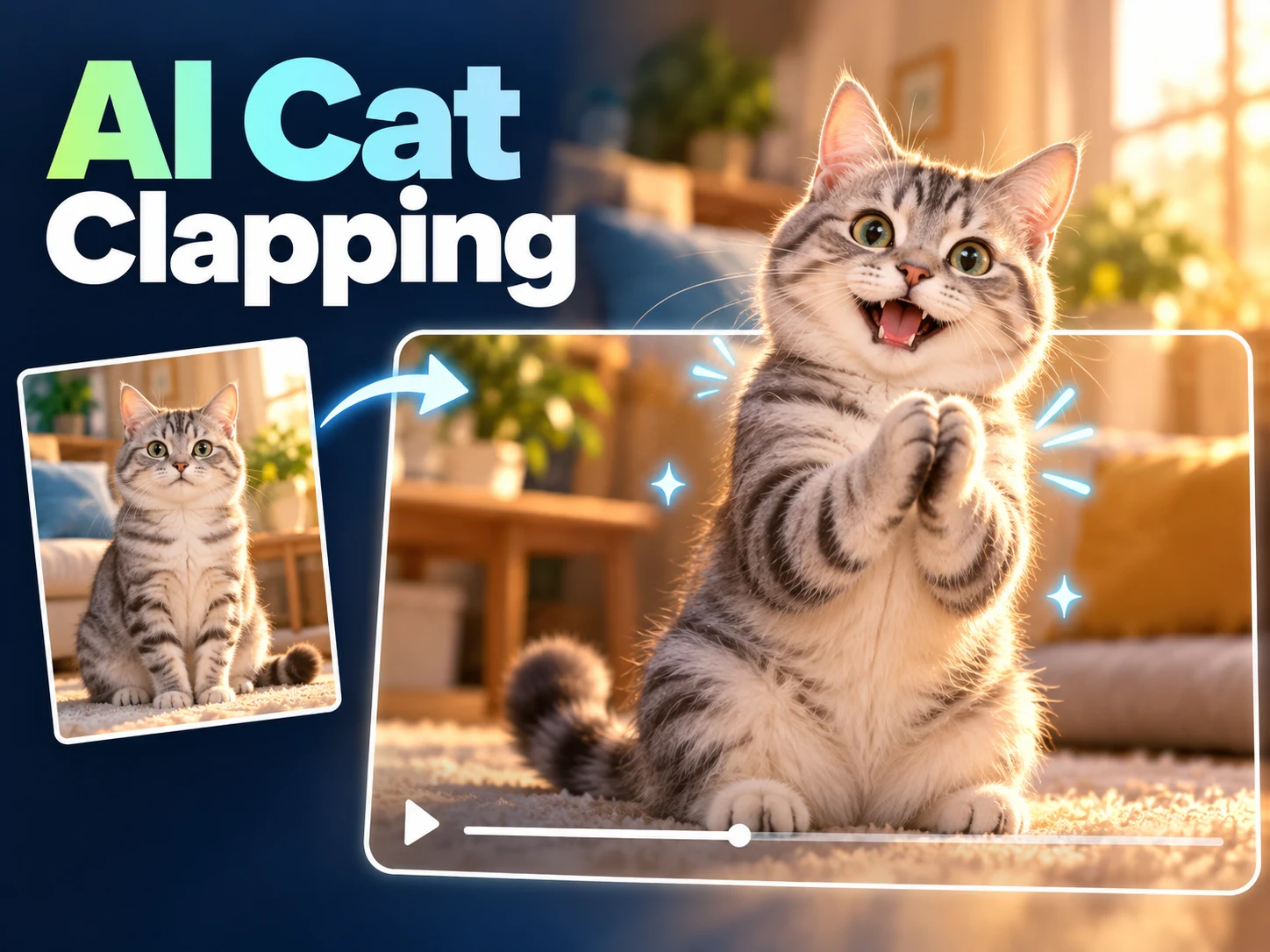
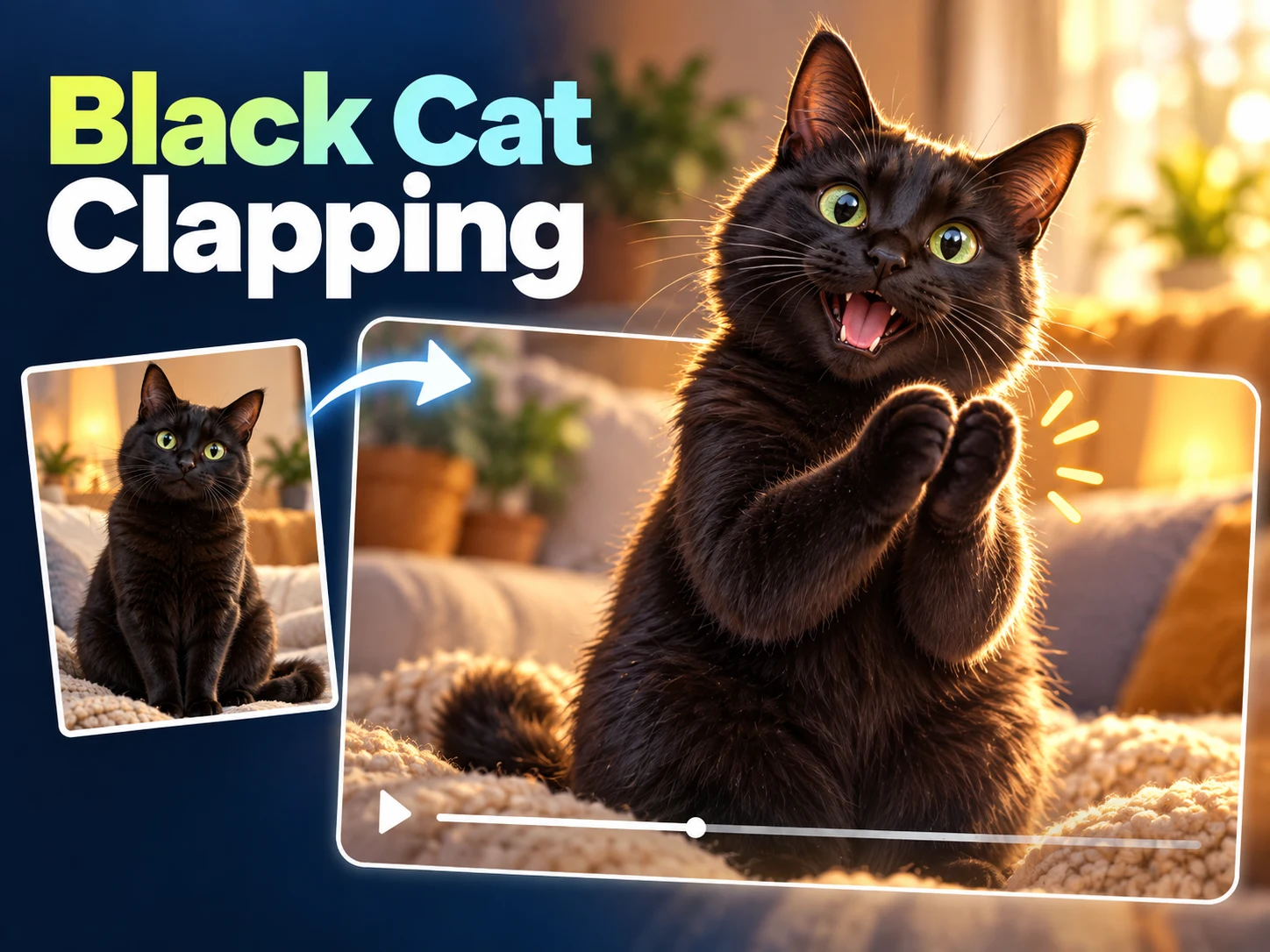
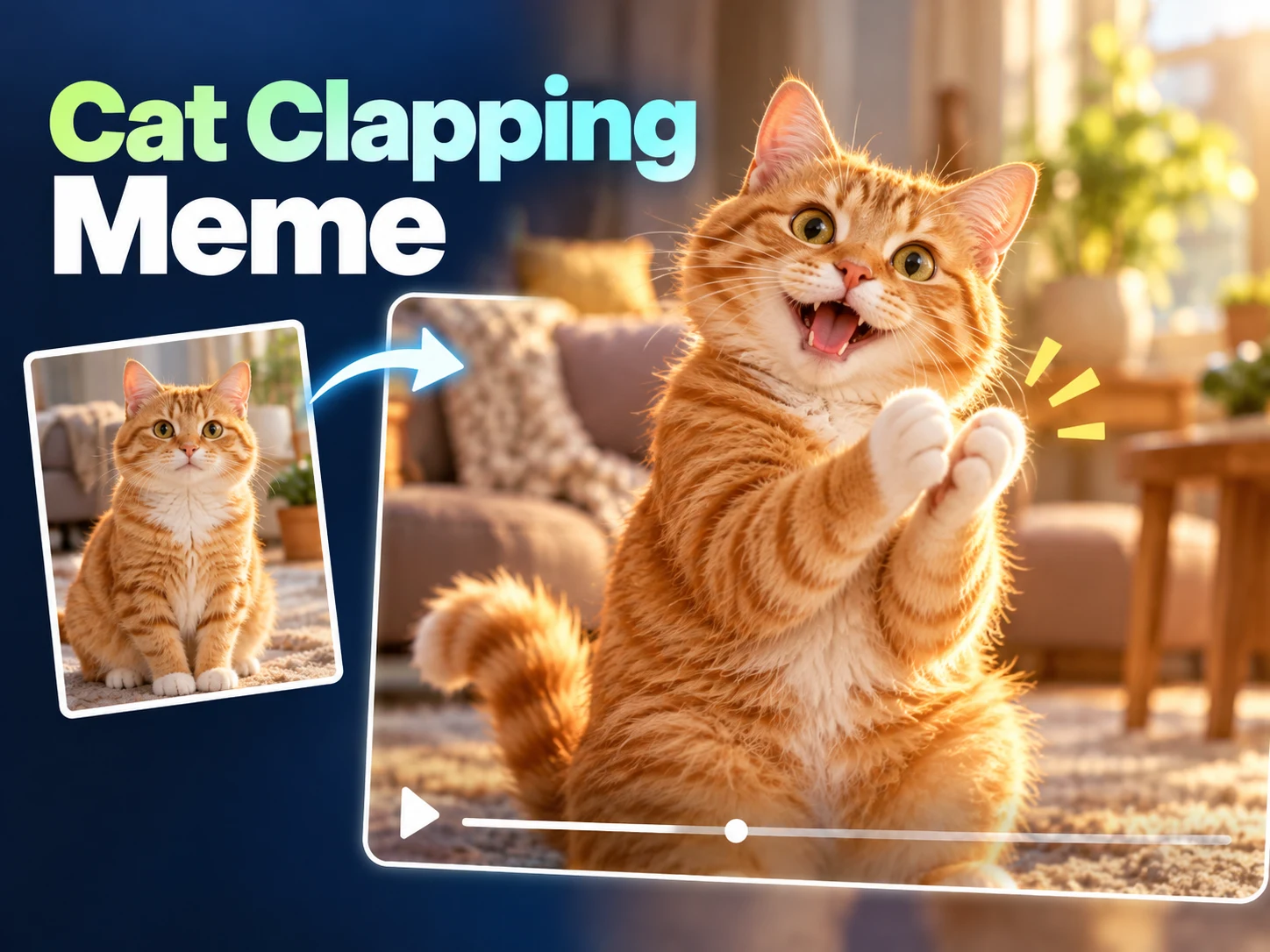
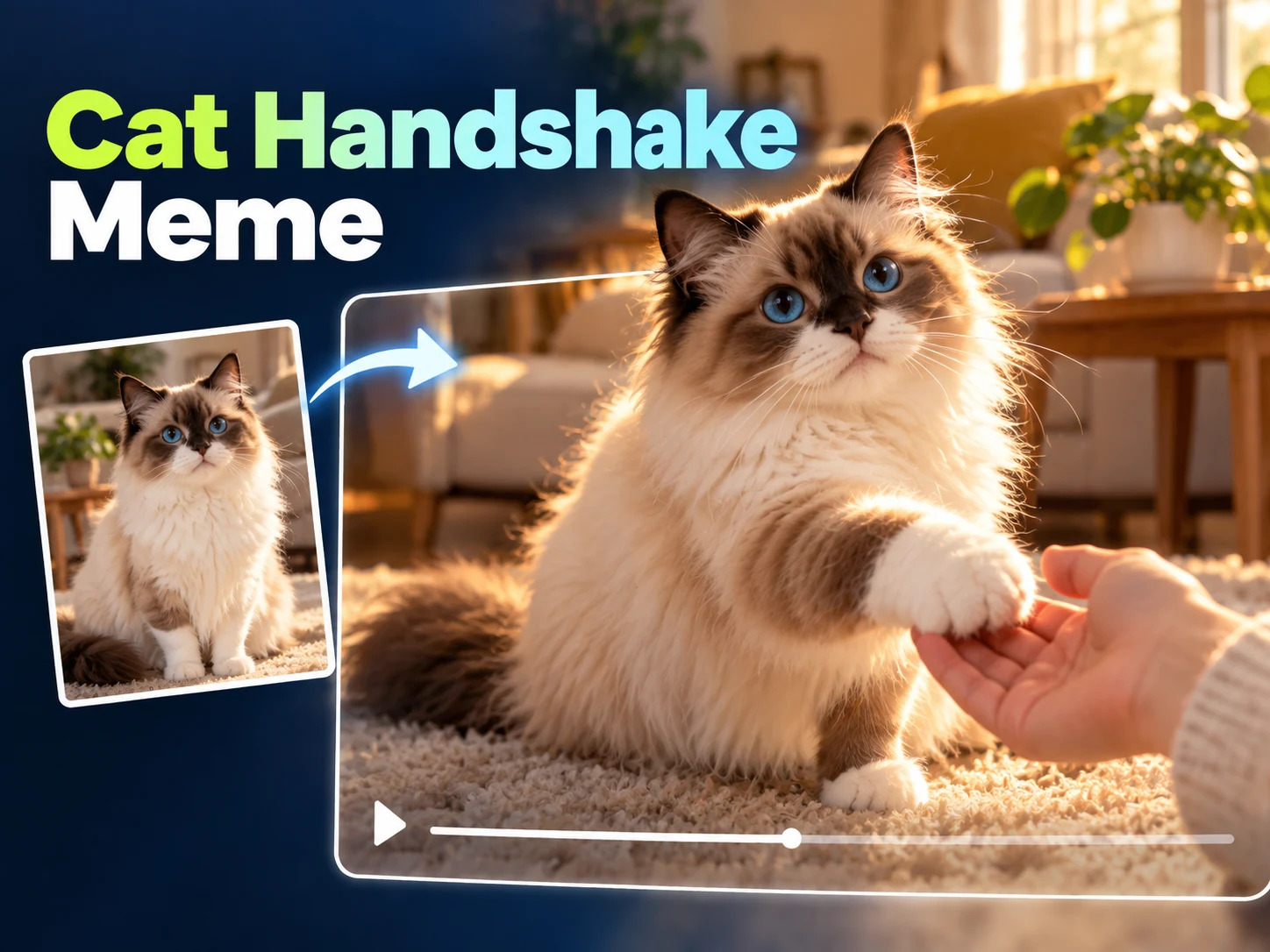
Start with the golden retriever, then compare three cat clips from the same pet reaction trend. These are supplied effect references; your Clapping Dog result can vary.
The dog brings its paws together and extends one forward.
Watch the fluffy cat’s paws and the alternating viewpoints.
Compare the tabby’s applause with the human response.
An orange cat changes gestures as the person reacts.
Clapping Dog is a photo-guided creative workflow for an imagined pet reaction. A prepared scene asks the animal to sit upright, clap its furry front paws, imitate secrecy, and offer a handshake to the person beside it. The intended humor comes from an ordinary dog behaving with unexpected formality. You personalize the participants through photographs rather than training or filming the action.
Searching for a clapping dog can also lead to real pet videos, reaction GIFs, or advice about people clapping during training. This Clapping Dog page addresses a different practical task: making an AI interpretation with your own references. It is not a training method, a collection of existing dog clips, or a claim that your real pet can or should perform the generated movements.
The Clapping Dog preset is the same prepared pet scene used by the homepage, with species and appearance guided by the second reference. The supplied dog and cat clips illustrate the intended gestures rather than verify a new request with your photos. Treat an initial attempt as something to inspect carefully, particularly around the muzzle, ears, sitting posture, and front legs.
Begin Clapping Dog by placing a person photo in the first slot and a dog photo in the second. Choose a dog image with one prominent animal and enough body detail to show its proportions. Check both thumbnails before moving on. Two explicit references describe the intended pair more clearly than leaving one role without its own identity photograph.
Clapping Dog requests a ten-second vertical video with a prepared action sequence. Resolution is the available generation choice; the scene prompt, duration, and frame shape remain fixed. Check the displayed credit estimate and sign in when prompted. Submit once after confirming the references, then follow the task status rather than sending repeated attempts while the first is still processing.
Open the completed Clapping Dog result in this tool's history. Watch the full exchange before saving it, including the animal's body position and final offered paw. Download a version only after checking that it remains recognizably canine throughout. If you prepare another attempt, change one reference or available setting so you can evaluate a specific difference.
Clapping Dog requests an everyday home interior with a seated person, a small table, beige flooring, and a pet near the person's feet. The prepared story moves through feeding, secrecy, applause, mouth-covering, a brief salute, and an offered paw. These are the target beats; the generator is not a precise character rig or a guaranteed frame-by-frame animation system.
The Clapping Dog instructions ask to preserve species, muzzle features, ears, fur color, and body size, and to keep the front paws furry rather than turning them into bare human hands. A dog's proportions differ from the cat reference, so inspect those details in the actual result. A source photograph communicates appearance and cannot verify generated canine motion quality.
Use Clapping Dog for a playful celebration involving a familiar pet: the walk finally happening, a snack packet opening, or a household member finishing a tiny task. A short posting caption can supply the setup while the exaggerated applause supplies the reaction. Those words are an editing or sharing choice, not an instruction that changes the prepared generation sequence.
A mock-deal Clapping Dog can use the secrecy and offered-paw ending as a tiny agreement between a person and their pet. Keep the joke gentle and recognizable, and get agreement from the person pictured before posting. Label the clip as AI-generated so an imagined gesture is not confused with a real trained behavior or a record of an actual interaction.
Start a Clapping Dog review with species and proportions. Compare the muzzle, ear placement, coat, and tail with the source. Check that the body stays canine across the cuts and does not adopt a cat-like head or silhouette. Follow the front legs through the applause, looking for visible contact rather than an unreadable wave or fused paws.
Then inspect the Clapping Dog ending. The offered paw should connect to the dog's shoulder and remain distinct from the person's hand. Watch for extra legs, unstable joints, or a sudden change in body size. Replay normally after pausing, and keep only a version you are comfortable sharing. A higher resolution does not automatically correct motion or anatomy.
For Clapping Dog, compare the finished animal with the actual reference rather than a generic idea of its breed. A long muzzle, folded ear, spotted coat, or compact body can be more useful recognition cues than a breed label. The tool has no breed selector that replaces the image. Choose the clearest photograph of the particular dog you want to depict, then review whether those distinguishing details survive the requested movement.
If a Clapping Dog attempt loses those details, try a source with clearer lighting and a less obstructed outline. Keep the person reference stable while testing the pet image so the comparison has one clear purpose. Do not interpret the generated posture as advice about safe real-world positioning. This is an imagined comedy sequence. Save a completed download you like, and choose any later crop or caption around the dog's visible face and paws.
No. Clapping Dog makes an AI video interpretation from photographs. It does not teach real animal behavior, evaluate training, or ask you to position your dog physically. Choose a naturally comfortable source image and let the generated scene supply the imaginary action.
Clapping Dog uses the homepage's prepared pet workflow and model configuration, with your dog photo providing the species and appearance reference. It is not a separately validated canine animation model. Check the actual completed result for recognizable dog anatomy and continuity rather than relying on the page name.
The Clapping Dog examples include a supplied golden retriever gesture clip and three cat variations for comparison. The separate cat trend reference explains the broader applause-and-handshake sequence. The cover is concept art; review your own generated video before drawing conclusions about canine movement or resemblance.
Clapping Dog has a fixed scene with no editable prompt. You can choose the references and available resolution, but not remove the secrecy gesture, change the duration, or replace the ending with a different trick. The current preset requests one ten-second vertical video containing the complete interaction.
Clapping Dog outputs video with no native GIF conversion. The preset requests no music, dialogue, or sound. Use a separate editor for a soundtrack or a GIF conversion after downloading, and verify the final crop and timing so the pet's paws and the ending remain visible.
Sign in to the same account and return to Clapping Dog for its dedicated history. Open completed requests to preview or download them. Reusing supported inputs prepares a new attempt without replacing an existing file. The other cat-themed pages have separate tool histories, even though their generation interface feels familiar.
Try Clapping Dog with clear person and dog references, a checked credit estimate, and a specific idea for the finished joke. Review the species, front paws, and final contact before saving a result. Share the version that communicates the playful premise clearly and identify it as AI-generated.