Orange cat and person
An orange cat changes gestures as the person reacts.
Put your own pet inside the joke. Cat Clapping Meme gives a familiar reaction format a personal cast, combining your person and cat references with a prepared ten-second scene. The humor comes from the contrast: a small snack earns grand applause, then the pet acts as though a serious agreement has been made. Choose recognizable photos and let the unexpected behavior provide the punchline.
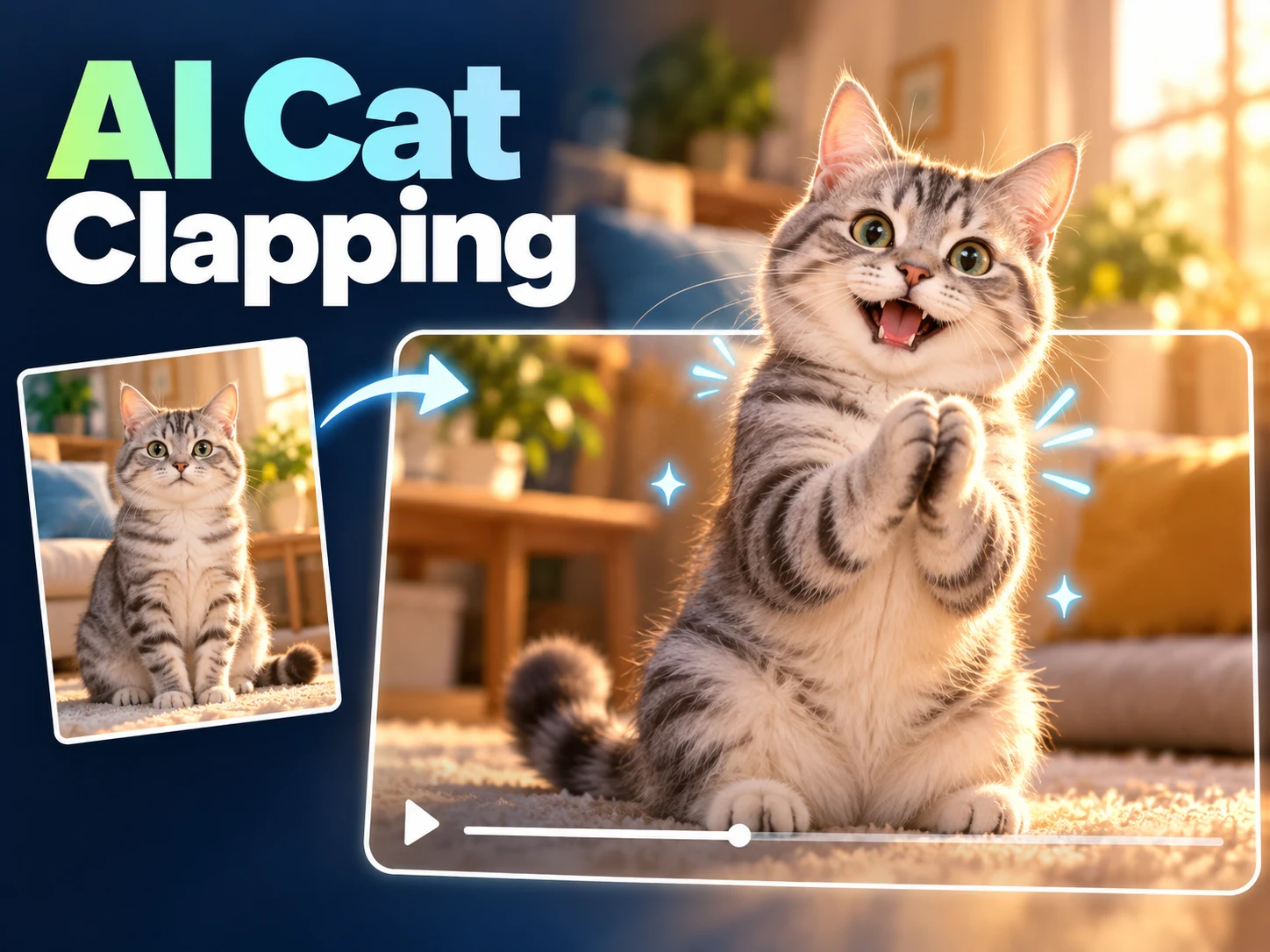
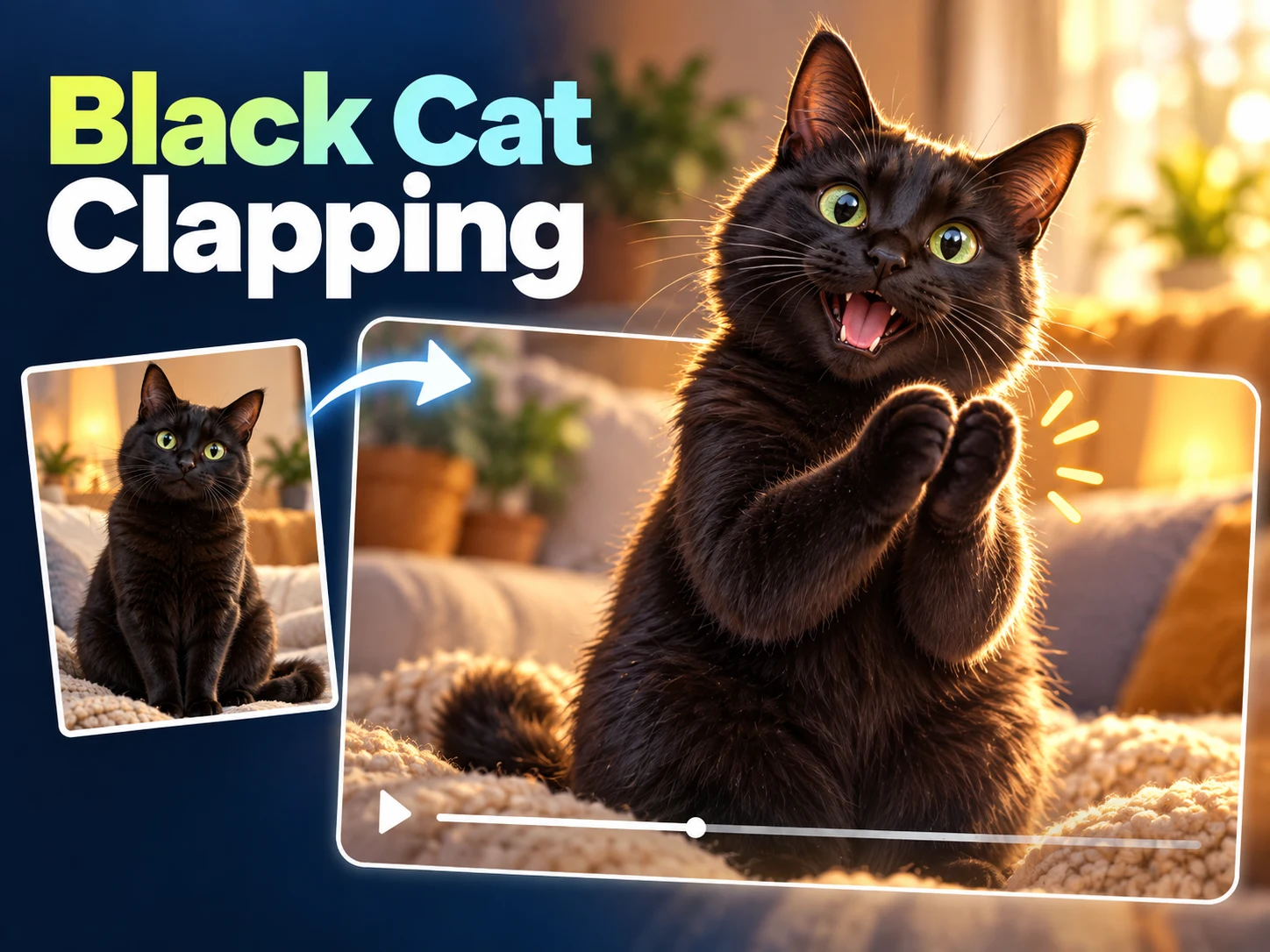
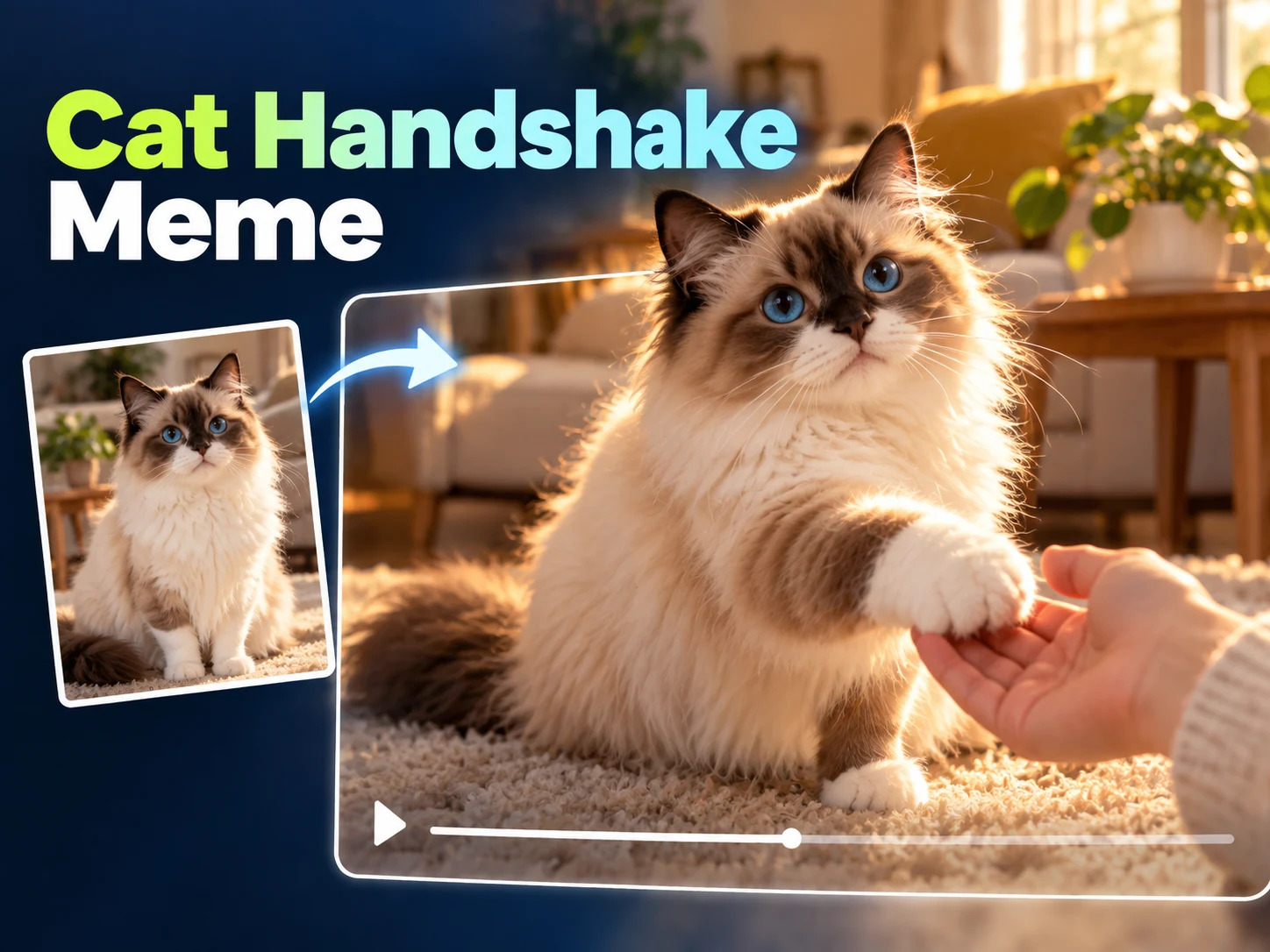
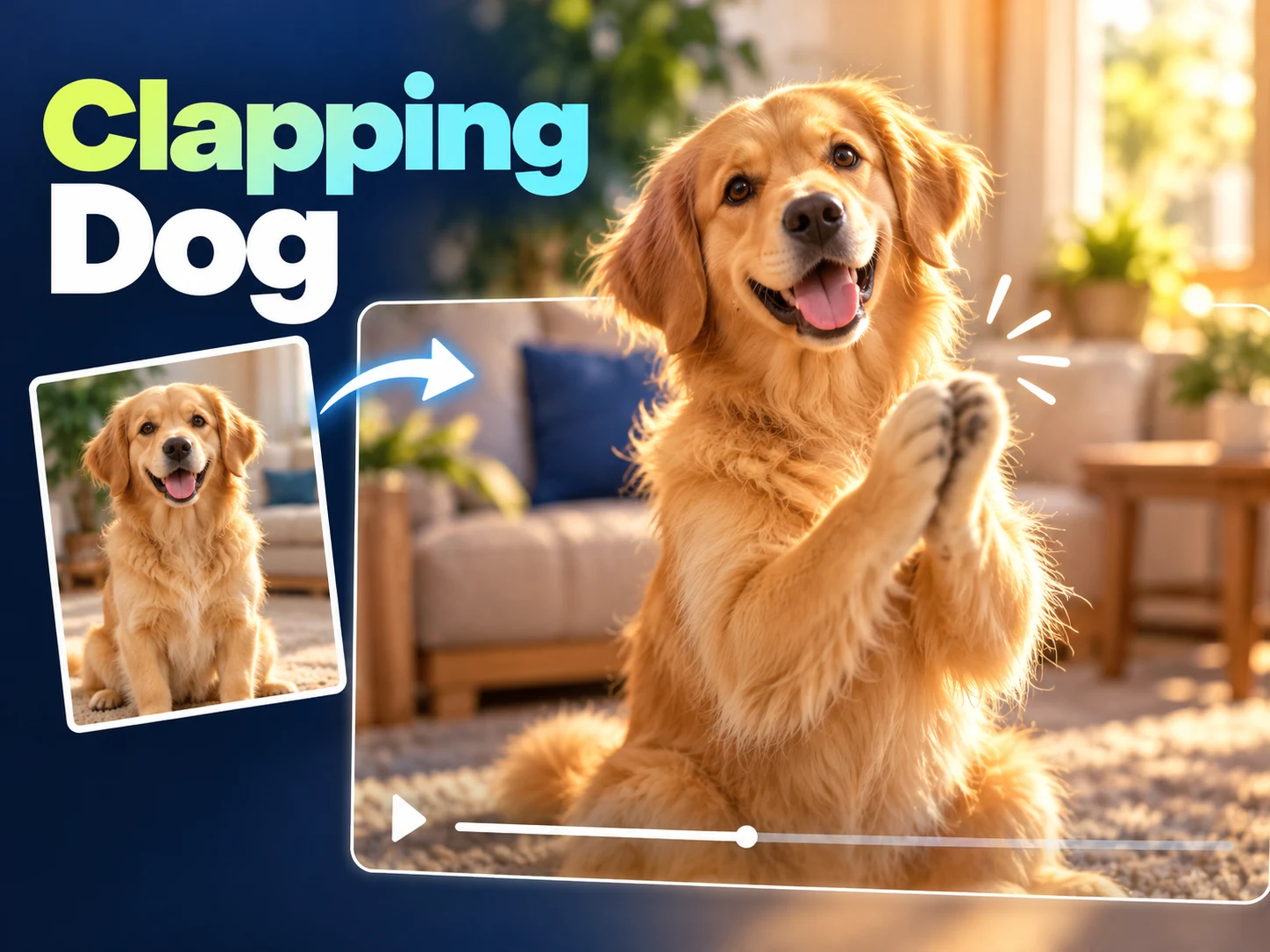
Explore the Cat Clapping Meme through these supplied effect references. Compare the full person-and-pet exchanges with a shorter gesture clip before choosing the reaction you want to create.
An orange cat changes gestures as the person reacts.
Compare the tabby’s applause with the human response.
Watch the fluffy cat’s paws and the alternating viewpoints.
A short view of paw contact and an extended paw.
Cat Clapping Meme is a reaction idea built around exaggerated approval. An ordinary cat appears to applaud with unusual commitment, making a small event seem much more important than it is. Adding a person, a secrecy gesture, and an offered paw gives this version a beginning and ending instead of leaving it as a disconnected motion loop.
People may call the same idea a clapping cat meme, a black-cat reaction, or an AI pet video. Cat Clapping Meme is the creation entrance here: you choose the characters and request a new interpretation. It does not retrieve every version circulating on social platforms, and it is not a library of ready-made reaction images or downloadable original clips.
A personal Cat Clapping Meme works best when viewers can recognize the pet before the exaggerated gesture happens. A familiar coat pattern or distinctive face supplies that connection. The generator asks for identity consistency, but motion can introduce visual changes. Treat the finished video as something to review and select, rather than assuming any completed request is automatically ready to post.
Start your Cat Clapping Meme with one clear person photograph and one clear cat photograph. Put them in the matching upload slots and check the thumbnails. Separate source images are fine; you do not need a photo of the pair together. Pick subjects you have permission to use, and avoid a group picture where several people or pets compete for attention.
The Cat Clapping Meme workflow supplies its own scene instructions, so there is no need to write a joke into a prompt field. Check the resolution choice and displayed cost before starting. The requested video stays vertical and ten seconds long. Once submitted, follow the task status rather than creating several requests just because the first has not finished yet.
Watch your completed Cat Clapping Meme at normal speed, including the final interaction. Download the version with the clearest setup and reaction. If you prepare another attempt, change a specific reference or available setting so the comparison has a purpose. Reuse restores supported inputs for a new generation; it does not edit an earlier completed video in place.
The Cat Clapping Meme sequence builds its reaction in stages. A person discreetly feeds the pet, signals secrecy, and receives an unexpectedly theatrical response. The requested applause is followed by mouth-covering, a brief salute, an offered paw, and the human accepting it. Those later beats give the viewer a second joke after the initial clap.
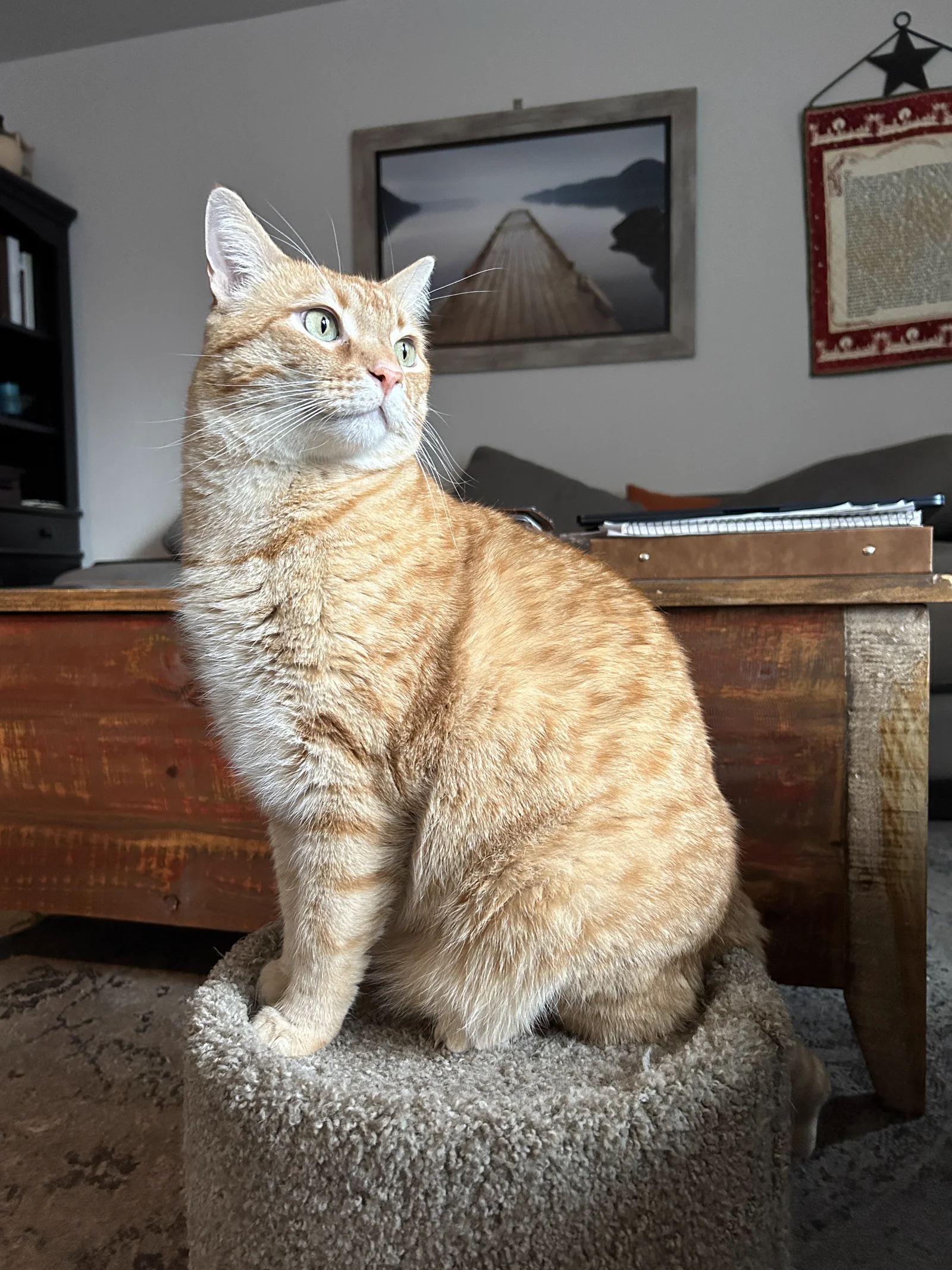
Cat Clapping Meme uses a fixed preset rather than a timeline editor. You cannot reorder those moments through the controls or swap the ending for a high-five. Resolution is the available output choice; vertical framing and ten-second duration stay fixed. The supplied video is a trend reference, while the photograph illustrates a clear animal reference rather than a generated scene.
For an everyday Cat Clapping Meme, make the applause comically disproportionate to the achievement. A short line about answering one email or opening a packet can give the viewer enough context. The video then supplies the overreaction. Keep the caption outside the main paw movement, and let the ending play rather than cutting immediately after the first clap.
A secret-deal Cat Clapping Meme can use the final offered paw as a mock contract between person and pet. Another option is a gentle celebration for a friend who recognizes the animal. Ask the person pictured before sharing, and make the AI nature clear. Caption ideas affect how you present the downloaded clip; they do not alter the generator's prepared actions.
A useful Cat Clapping Meme review starts with timing. Can someone understand the reaction without reading a paragraph beside it? Watch for a readable snack setup, distinct applause, and an ending that does not feel cut off. If a gesture becomes an unclear wave or the pet's face changes dramatically, save a different version or make a deliberate new attempt.
Before posting Cat Clapping Meme, inspect the person's face, the animal's front legs, and the point where hand meets paw. Replay on a phone-sized view to check whether the important action remains visible. Review the destination's uploaded preview as well: a tall platform crop or interface overlay can obscure a good result. Keep a clean downloaded copy for later editing.
A Cat Clapping Meme caption works best when it sets up a contrast the viewer can understand immediately. Name the tiny achievement or the secret deal, then let the video exaggerate the response. Avoid a paragraph that repeats every action the viewer can already see. If the scene needs extensive explanation to make sense, simplify the posting idea before adding more visual elements. A clear setup helps the existing timing do its work.
Before sharing Cat Clapping Meme, compare a version with your proposed caption and a clean version without it. Check that the joke still has a visible ending and that text does not cover an important gesture. Ask a friend familiar with the pet whether they recognize the character. Their reaction can help you choose between two completed downloads without assuming that more generations are the only way to improve the final post.
Cat Clapping Meme is a creation page with reference uploads and a prepared video workflow. The explanation helps you recognize the format before making your own version. You do not need to learn editing terminology, supply an existing meme file, or film your cat performing the reaction.
Yes. Cat Clapping Meme follows your supplied pet reference, and the preset asks to preserve its fur color and markings. A black cat is one recognizable version of the trend, not a required coat color here. Check the finished animal against the photo before choosing what to share.
Cat Clapping Meme has no editable prompt or automatic caption field. Prepare your written joke for the post or add text in a separate editor after downloading. Keep the wording short enough to support the reaction, and preview its position so it does not hide a face or paw.
This Cat Clapping Meme tool outputs video, not a native GIF download. You can convert a completed download separately if your destination needs a GIF. Choose a crop that preserves the action you mean to share, and check file size and playback speed after converting rather than assuming the first conversion is suitable.
No. Cat Clapping Meme requests a personal interpretation with your chosen identities. The example helps explain the premise and is not a frame template or a guarantee of performance. The photograph shows an ordinary reference animal, not a generated result. Facial expressions, paw movement, and camera changes can differ between generated attempts.
Return to Cat Clapping Meme in the same signed-in account to find its request history. A completed entry can be opened for preview and download. Each themed tool has its own history, so return to the page you used rather than expecting every page to show the same collection.
Build a Cat Clapping Meme around a pet your audience already knows. Choose clear references, check the credit estimate, and request one attempt. Keep the version with readable applause, a connected ending, and a joke that still works when the video is viewed on a small screen.