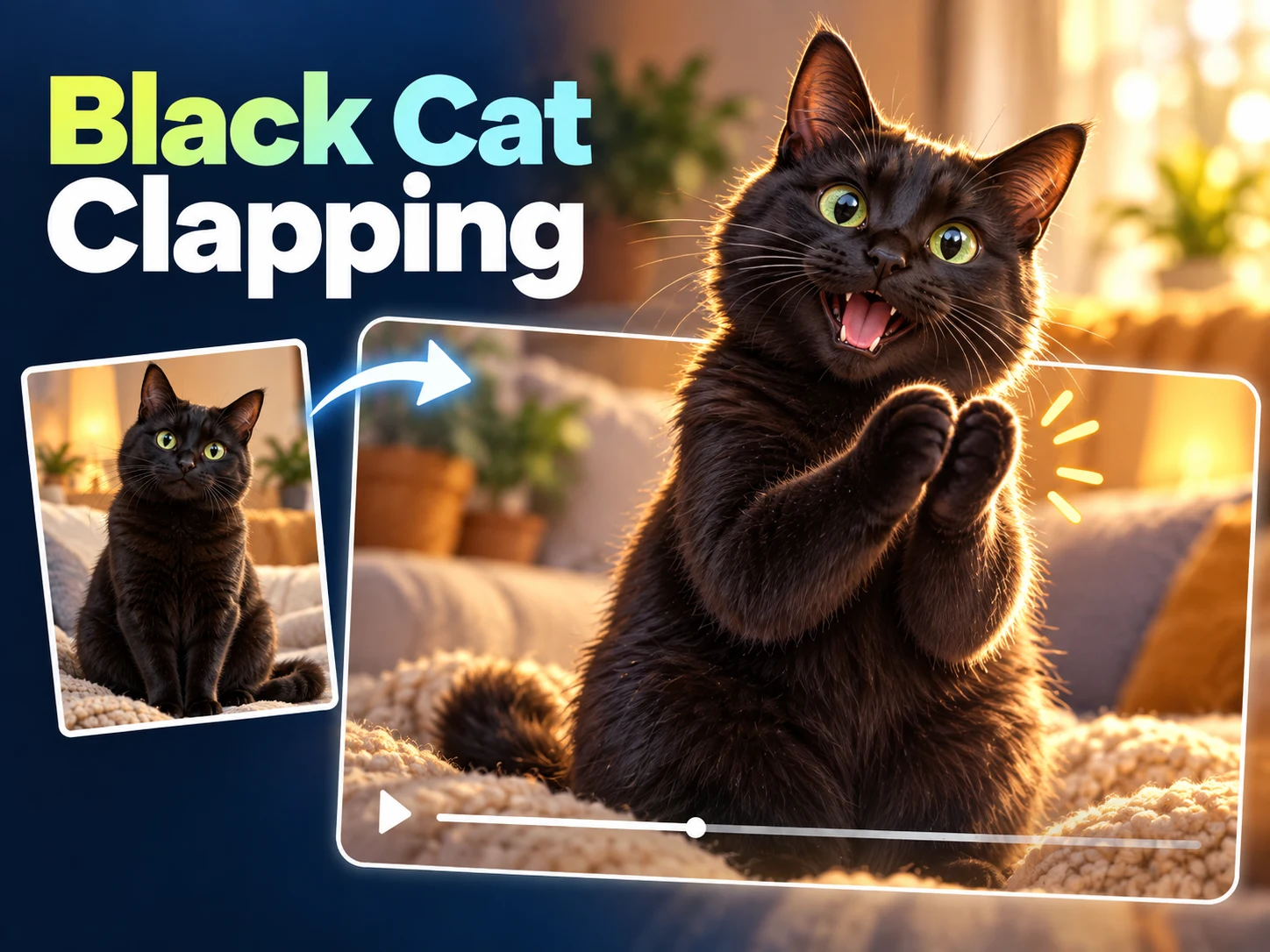
Silver tabby and person
Compare the tabby’s applause with the human response.
Make a still pet portrait the starting point for a small comedy. AI Cat Clapping gives your chosen person and cat roles in a prepared scene: a discreet snack, an exaggerated round of applause, a secret, and an offered paw. Upload clear references, review the displayed credit estimate, and create a personal interpretation without writing a scene prompt. The format is a ten-second vertical video, ready for you to inspect before sharing.
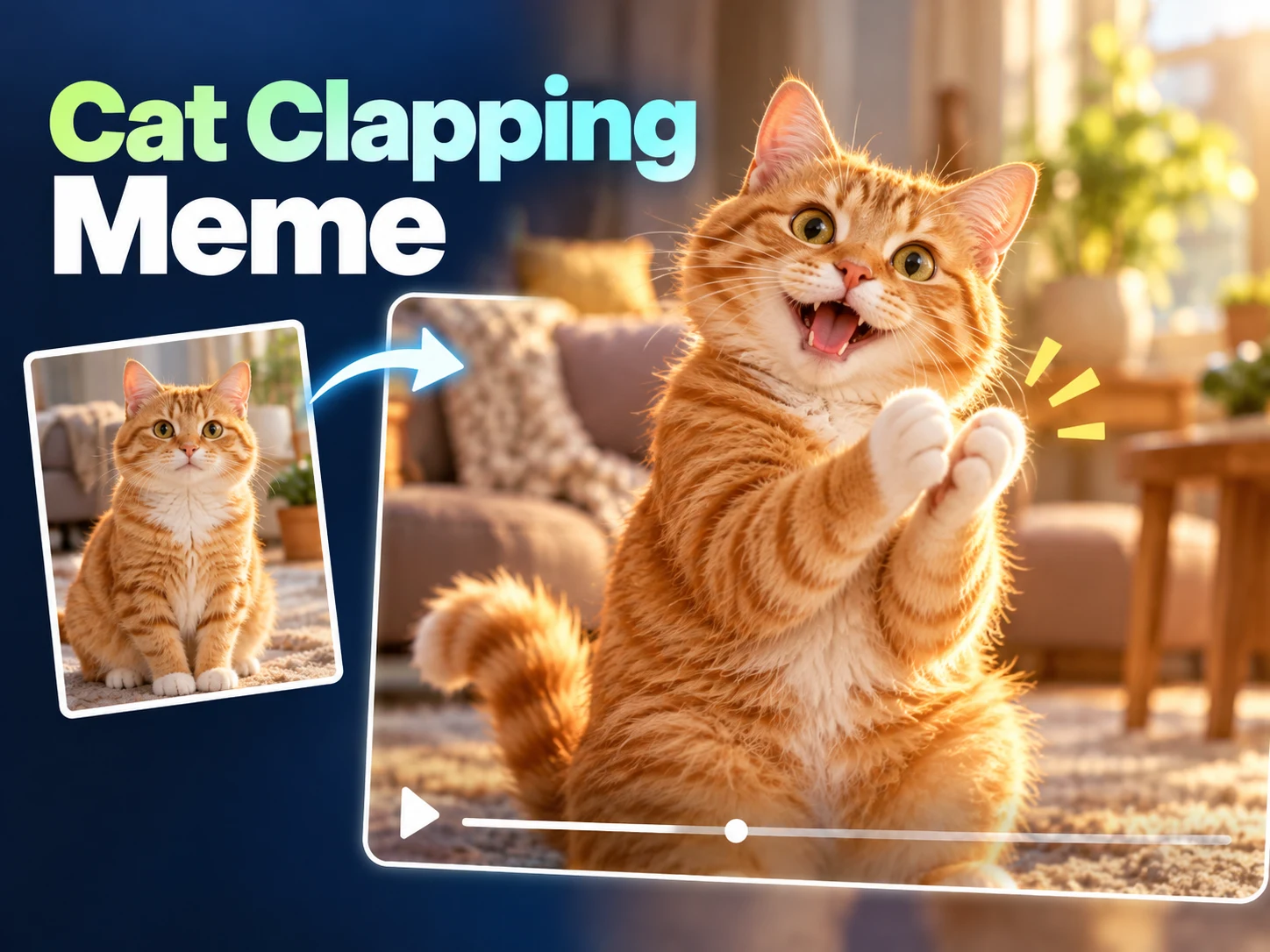
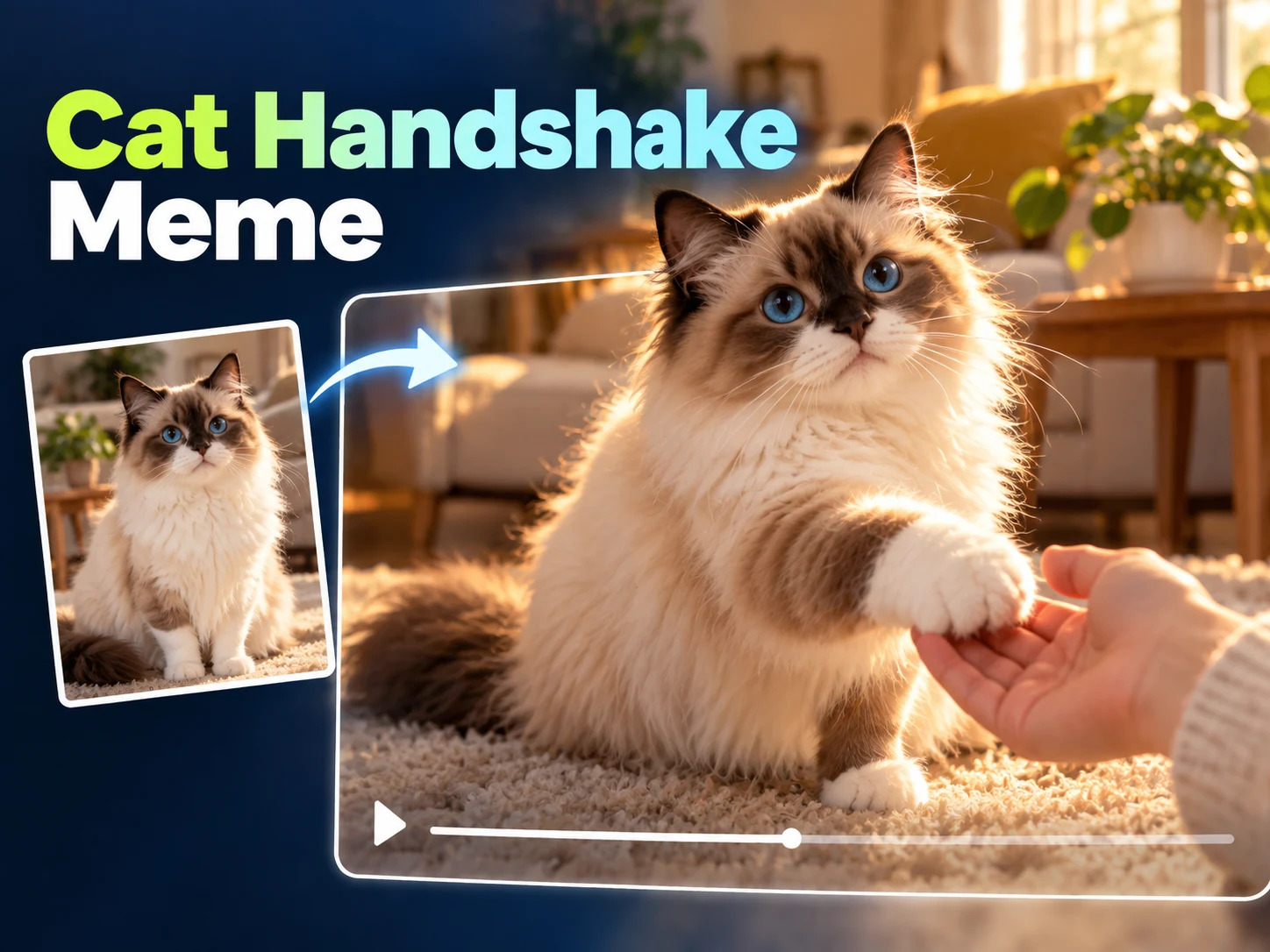
Compare these supplied AI Cat Clapping effect references for paw contact, camera changes, and human reactions. They illustrate the idea; your photos can produce different movement and timing.
Compare the tabby’s applause with the human response.
An orange cat changes gestures as the person reacts.
Watch the fluffy cat’s paws and the alternating viewpoints.
A short view of paw contact and an extended paw.
AI Cat Clapping is a photo-guided video workflow built around an expressive pet reaction. Your photographs describe the characters; a prepared sequence describes their interaction. Instead of asking you to coordinate cuts or animate individual paws, the tool requests a connected exchange between a seated person and a pet beside the table. The unexpected contrast between an ordinary room and a theatrical animal gesture supplies the joke.
The AI Cat Clapping preset asks the model to preserve the reference appearance while introducing movement. Fur, markings, ears, clothing, and facial features are identity cues to compare in the finished clip. These instructions guide generation; they do not guarantee an exact likeness or perfect anatomy in every frame. Watch the whole result before deciding whether it represents the people and animals you chose.
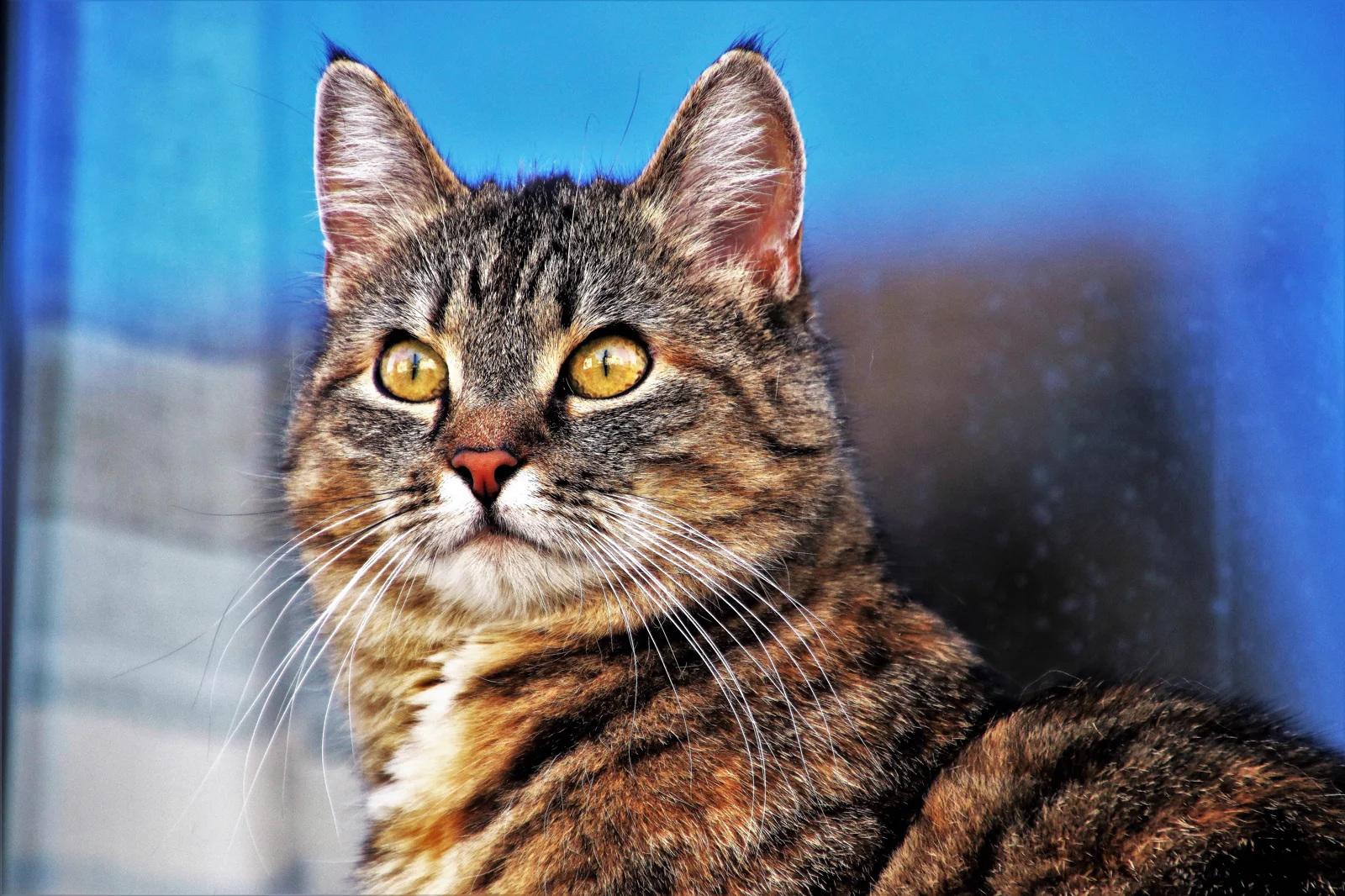
This page makes a new interpretation rather than retrieving an existing internet clip. AI Cat Clapping also differs from a live camera effect: you provide photographs and wait for a generated result. The reference video explains the visual premise, while the reference photograph shows an ordinary pet whose features you can assess before animation. A still photograph does not predict your own generated movement.
Begin AI Cat Clapping with a clear person photograph in the first slot and a cat photograph in the second. Separate images work well because each reference has one clear subject. Check the thumbnails before continuing, particularly if you selected files with similar names. The current input accepts one or two references, but supplying both gives the intended interaction two explicit identities instead of leaving one character unspecified.
AI Cat Clapping uses a fixed vertical frame and ten-second duration. Review the resolution choices and the current credit estimate in the controls; higher resolution changes output detail and cost, not the story. Sign in when prompted, confirm your balance, and submit once. There is no custom prompt box to configure, and changing the caption you plan to post later does not change the prepared sequence.
Follow AI Cat Clapping in this tool's history. Wait for completion, open the video, and replay the interaction at normal speed. Download a version you want to keep before comparing another attempt. Use again can restore supported inputs for a new request; it does not silently revise a finished file. Each submission is a separate generation, so make a deliberate change rather than repeatedly pressing Generate.
AI Cat Clapping requests two alternating viewpoints: the person seen from pet height and a downward view of the pet. Those changes provide a setup, reaction, and response within a short running time. The requested paws should separate, make readable contact, and separate again; covering the mouth, making a brief salute, and offering a paw are distinct later beats.
Only resolution is exposed as an adjustable generation setting in this workflow. AI Cat Clapping keeps its aspect ratio, duration, prepared action, and single-video output fixed. Check the estimate after changing resolution. The preset requests no dialogue, music, captions, or sound, so plan any soundtrack or written punchline as a separate editing decision after downloading.
Use AI Cat Clapping for a small victory: finishing a difficult task, surviving a busy day, or revealing an unimpressive snack. A short caption can establish the situation while the pet supplies an oversized reaction. The posting text provides context; it is not a command sent to the generator. Keep the joke readable without explaining every movement.
Another AI Cat Clapping idea is a mock agreement between a person and a household pet. The secret and handshake make the scene feel like a tiny partnership. Choose a tone that suits the people shown, ask their agreement before posting, and identify the clip as AI-generated. A light domestic joke usually needs less setup than a complicated invented story.
When reviewing AI Cat Clapping, first check whether the same cat appears across the camera changes. Compare eye shape, ear positions, coat pattern, and body size. Then inspect the person's face and clothing. A convincing opening still is not enough if the appearance changes during the clap or final interaction. Pause briefly at a suspicious transition, then watch again at normal speed.
Finish your AI Cat Clapping review with the paws and ending. Look for distinct claps, a believable offered paw, and a human response that feels connected. Extra limbs, floating contact, or an abrupt ending are reasons to prefer another result. A new attempt can vary, so keep the clearest version rather than assuming every later generation will improve it.
Compare AI Cat Clapping attempts by deciding what you want to improve before submitting again. If the pet becomes hard to recognize, choose a sharper reference with clearer markings. If the person changes across cuts, inspect the original face and clothing detail. Keep the other reference unchanged when possible. A focused comparison tells you more than switching both identities and resolution together, because you can connect the new result to one deliberate input choice.
When choosing between AI Cat Clapping downloads, give readable movement more weight than a flattering opening frame. Watch the setup and ending without pausing, then inspect the moments that looked uncertain. Keep a simple version name with the source-photo pair so you can find the combination later. Your preferred file may be the first attempt; a later request is another interpretation, not an automatic upgrade to the previous version.
No. AI Cat Clapping uses a prepared scene with the prompt field hidden. Your main creative inputs are the reference identities and the available resolution choice. If you want a different location, action order, duration, or camera plan, this fixed workflow does not expose those changes.
The current AI Cat Clapping input permits one or two references. For the intended person-and-pet exchange, use both slots in order: person first, cat second. With only one supplied image, the second identity has no dedicated reference, so use two when a recognizable pair matters.
AI Cat Clapping asks for the same species, fur color, markings, and facial features throughout. Results can still change during motion. Compare the whole clip with your original photo, especially around the paws and close views. Appearance guidance is not a guarantee of an exact reproduction.
AI Cat Clapping produces a video rather than a native GIF export. Download a completed clip and use a separate converter if you need an animated GIF. Choose the segment carefully so the joke remains understandable, and inspect the converted file for cropping and changes in playback speed.
Use the current AI Cat Clapping credit estimate beside the generation controls. Resolution and the active model pricing determine the displayed cost. Review that amount before submitting, and visit Pricing for available credit options. A concept image or reference clip does not establish a free or unlimited generation offer.
Sign in to the same account and return to AI Cat Clapping to find this tool's history. These requests belong to this dedicated page's tool, so another themed page has its own collection. Preview and download the result you want to keep before preparing another generation.
Start AI Cat Clapping with a person you recognize and a cat whose markings are easy to see. Check the references and estimate, then let the prepared interaction provide the comic structure. Review the completed video before choosing the version you want to share.